👋 Hello again,
Another week brings more improvements to enrutar, and we would like to share some of our latest updates:
- Creating jobs by email
- Task lists
- Job managers
- Redesigned elements
Let's get started!
Creating jobs by email
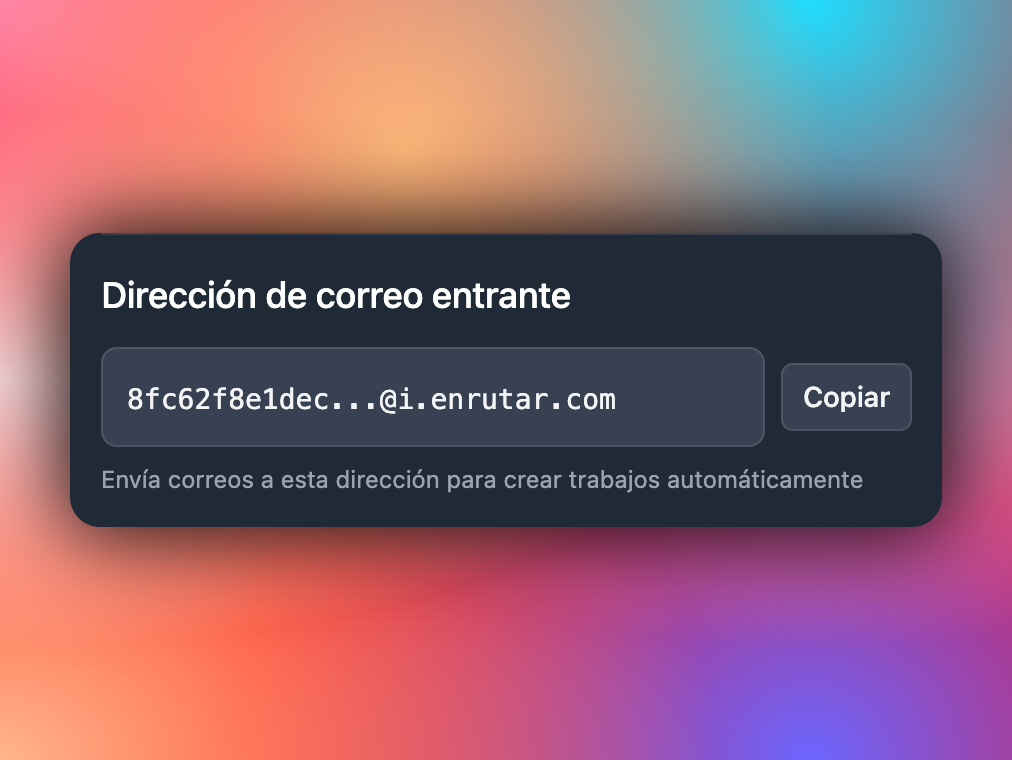
 New incoming email address
We have added the option to create jobs by email. This allows companies that receive jobs this way to forward emails to an enrutar address, and AI automatically creates the job in the system. How it works:
- Write an email or forward an existing one to your organisation's incoming email address. You can find it under
Settings > Organisation Settings. - The system receives the email and attempts to create a job using the details provided in the message.
- If it contains information about an existing customer, they are automatically assigned to the job.
- Otherwise, the job is created without a customer, allowing you to create one manually in enrutar.
This feature is currently being tested and we look forward to your feedback.
Task lists
 Task list for the visit
We have added task lists, which are essential for ensuring your operatives do not forget any of the steps they need to complete during visits. You can organise these tasks into templates, making them quicker to create. These are the key points:
- Create tasks associated with a visit, either directly or using a template.
- Your operatives can see these tasks during their visit and tick off each item as they complete it.
- These tasks appear on the job sheet that your customers sign.
Job managers
 Job managers
We are continuing to improve the way you manage your operations in enrutar. You can now assign jobs to your employees so they can find what they need to do more easily. This improves the search filters: when you filter by an employee, you will see:
- Their assigned jobs.
- Jobs where they are the visit operative.
This lays the groundwork for the permissions system we are working on. We will tell you more once it is ready.
Redesigned elements and other improvements
 New Job Status modal
We are standardising many parts of the system to make it simpler and ensure all elements are interconnected. Some examples are settings pages such as Routes, Teams and Job statuses, which use modals rather than full pages.
We have also added a few small improvements:
- Descending sorting on the Kanban board.
- Column selection and bulk job assignment.
- Various bug fixes.
That is all for now. We encourage you to try these updates and share your feedback through our communication channels. See you next time! 👋