Hello everyone! Javier from enrutar here 👋
I hope you have had a good start to the year. We have been hard at work improving enrutar, as always. Here is a quick update on what we have released over the past month:
- Sending job sheets via WhatsApp.
- Notifications when creating visits.
- Job reminders.
- Clock-in map and timeline.
- Other improvements and changes.
Let's get started!
Sending job sheets via WhatsApp
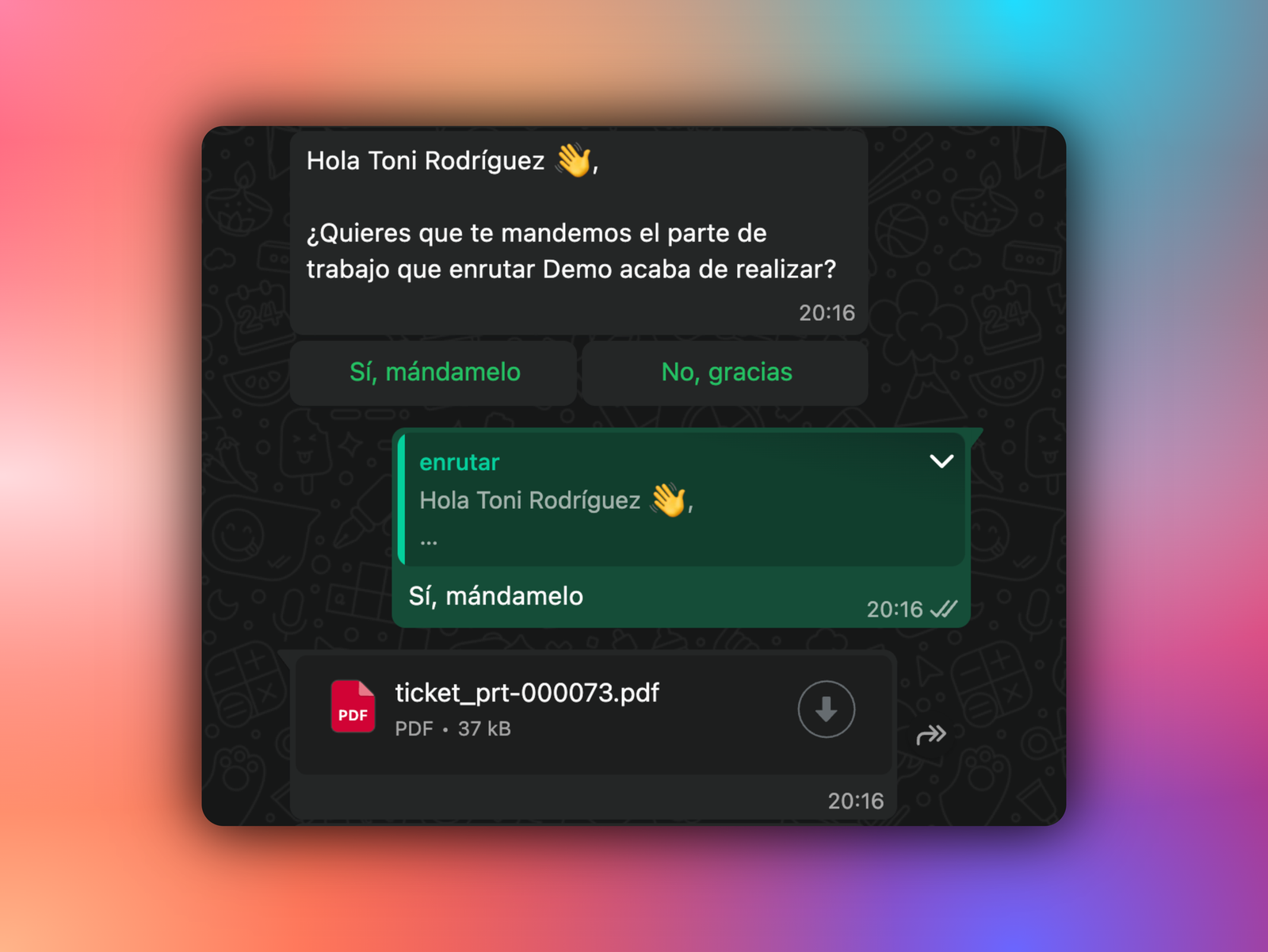
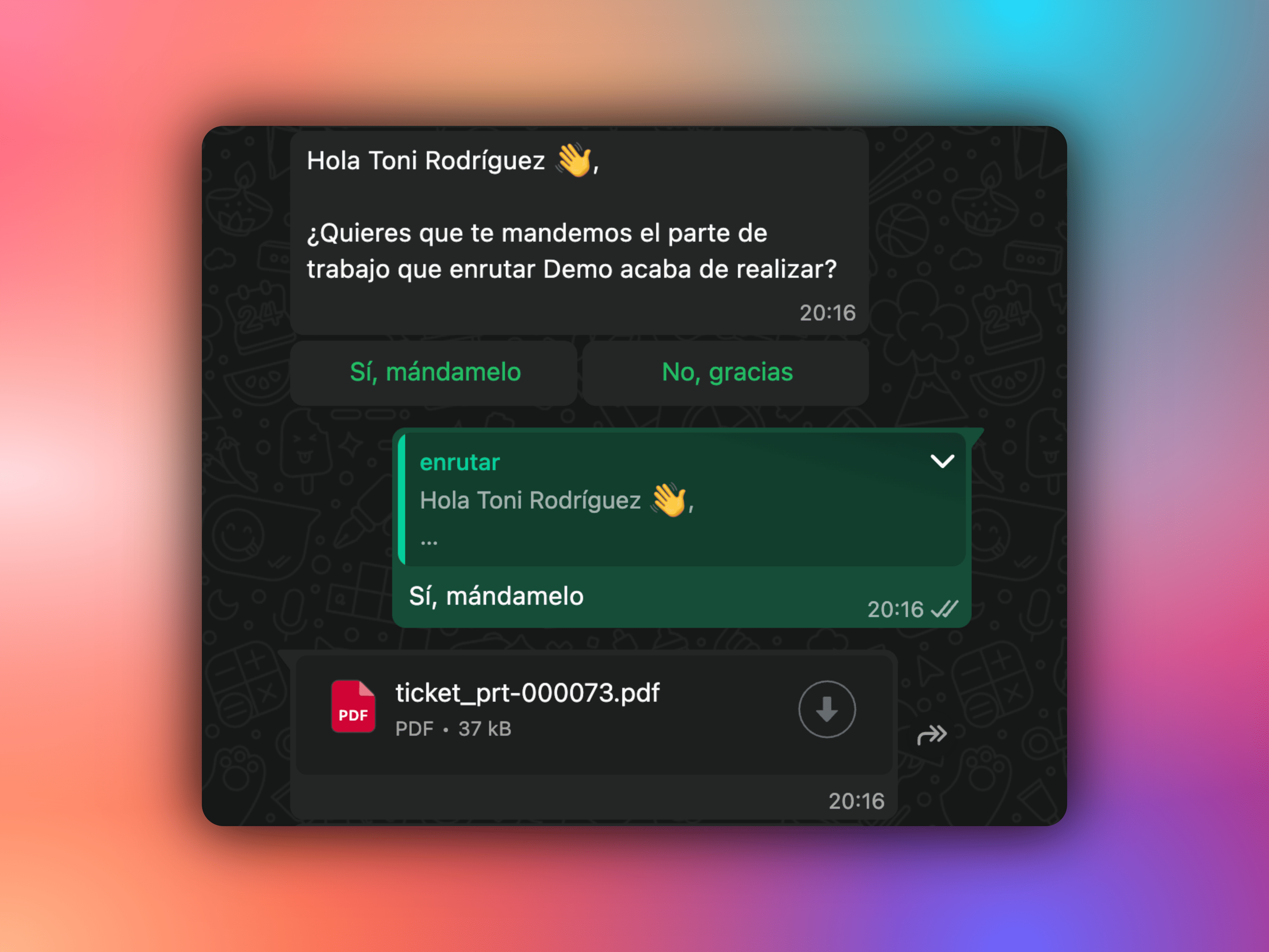 View of sending job sheets via WhatsApp
Now, when a visit is marked as completed and the customer signs the job sheet, enrutar can send it directly to them via WhatsApp.
How to enable it:
- Go to
Settings > Customer notifications. - Enable
WhatsAppin theJob Sheet Deliverysection.
How it works:
- When the job sheet is signed, the customer receives a WhatsApp message asking whether they would like to receive it.
- If they confirm, the job sheet PDF is sent automatically.
Immediate delivery, fewer lost emails and a better customer experience. All through the channel they use most.
Notifications when confirming visits
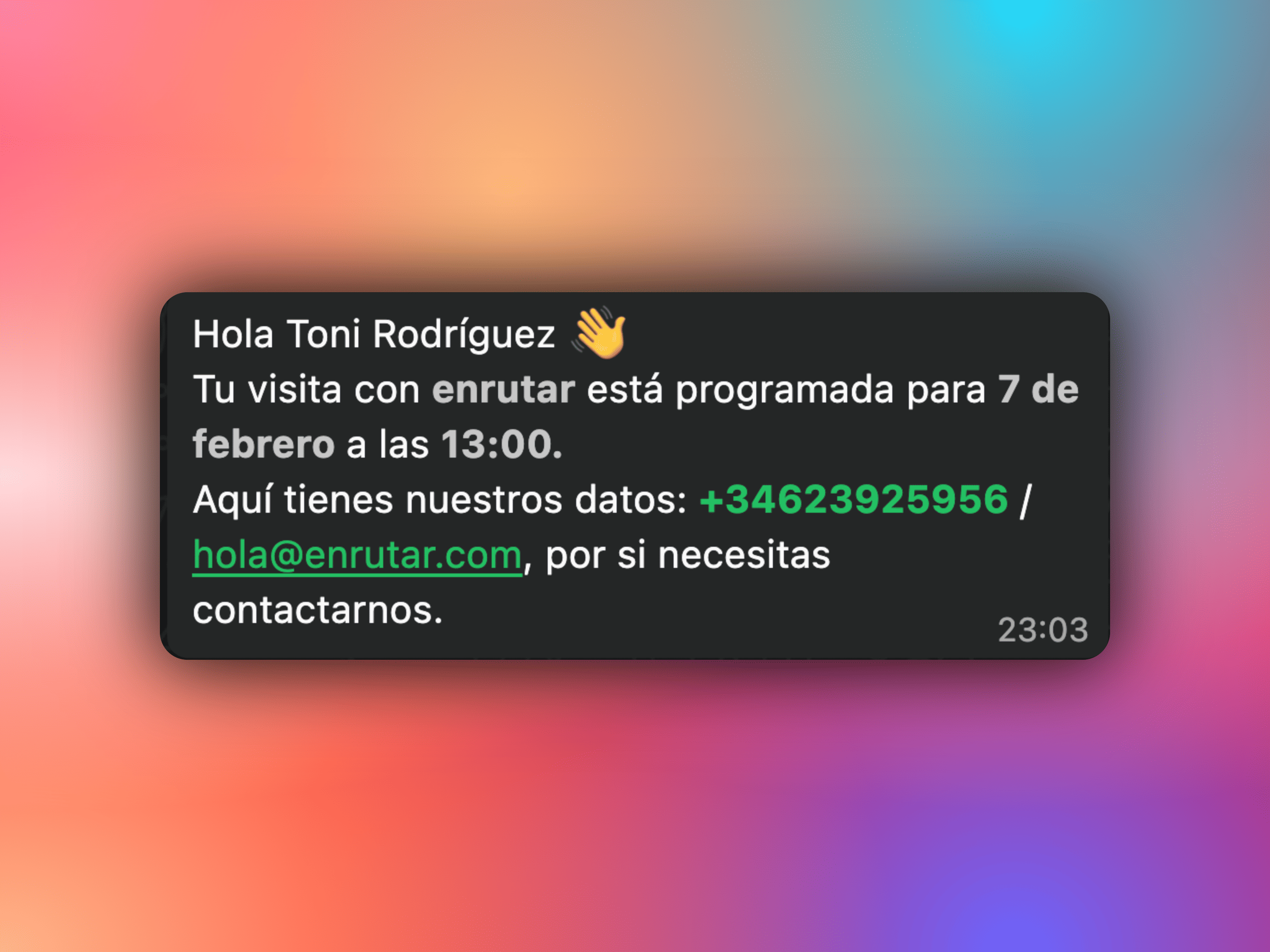 Visit confirmation via WhatsApp
From now on, when you confirm a visit within a job, you can automatically notify the customer via both WhatsApp and email.
How to enable it:
- Go to
Settings > Customer notifications. - Enable
WhatsApporemailin theVisit Confirmationsection.
How it works:
- Create the visit with the status
Confirmed, or change a planned visit toConfirmed→ the customer is notified.
Remember that enrutar also includes visit reminders, which are sent by WhatsApp or email the day before the visit takes place.
This keeps the customer informed from the very first moment, so they always know that the visit is scheduled.
Job reminders
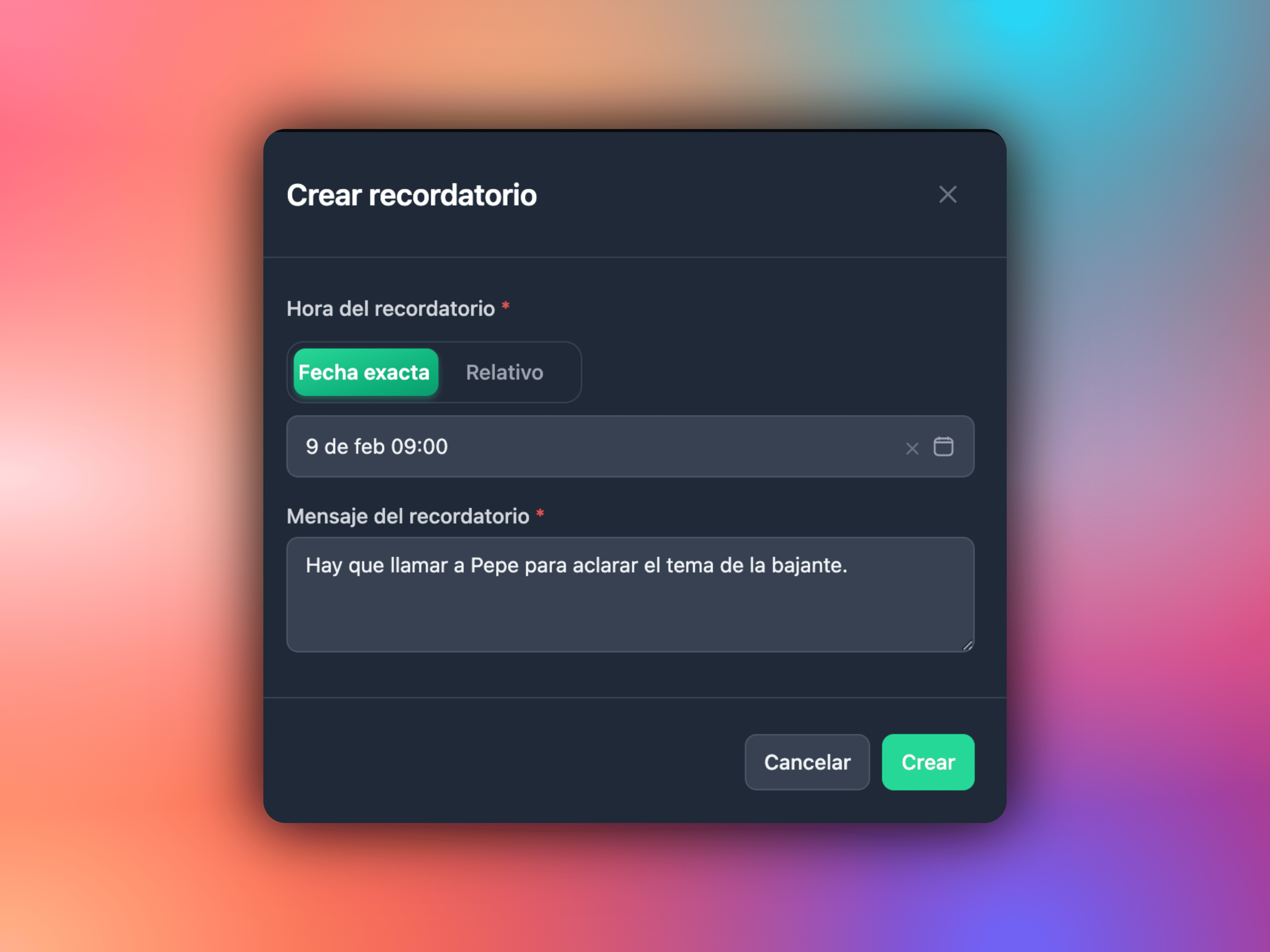 View of job reminders
Introducing “job reminders”: schedule a reminder and, when the time comes, EVA will automatically post a comment containing the text you defined for that job, notifying all subscribed staff.
Useful for:
- Following up internally on key dates.
- Remembering to update details, send invoices or archive the job.
- Contacting customers after a set period of time.
Everything is recorded as a comment, keeping the context in one place.
Clock-in map and timeline
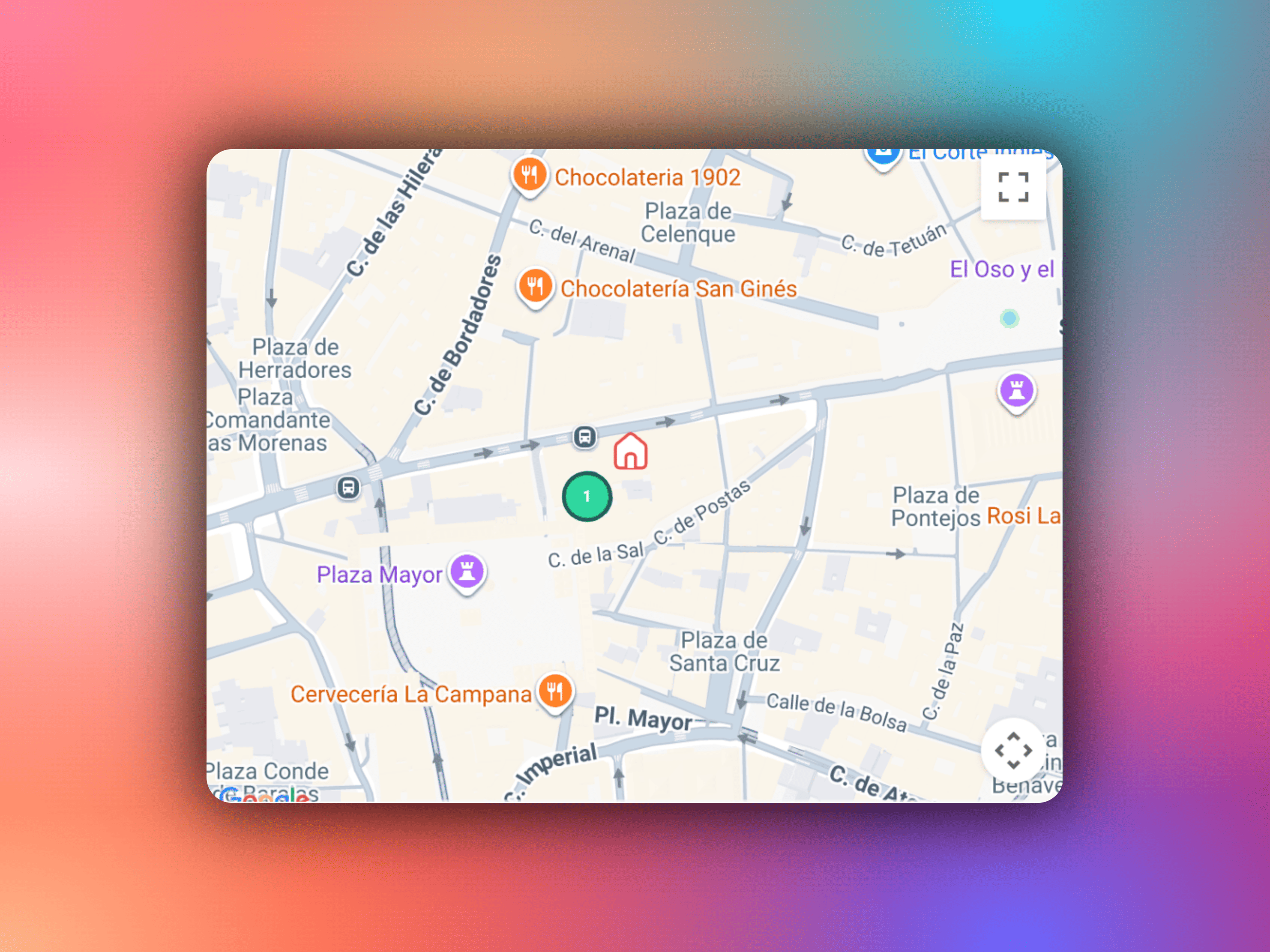 View of the clock-in map
We have fixed and improved the map showing where technicians clock in. When a technician starts a visit and clocks in, they are shown on the map with a clear and reliable timeline, providing a real-time operational overview.
Other improvements and changes
Internal notifications:
- They include more job information so you can make decisions and act more quickly.
Copy customer phone number and email:
- You can now copy these details directly from where they appear; a small but significant change.
Column synchronisation in board view:
- The column order is saved on the server.
- When you switch devices, your board stays the same.
Choose your home screen:
- From your profile, select the view you want to see when you open the app: Notifications, Jobs or another option.
- Ideal for tailoring each role's workflow.
Put these improvements to the test and let us know how they work for you by replying to this email. We are refining every detail to make enrutar your best tool for day-to-day operations.