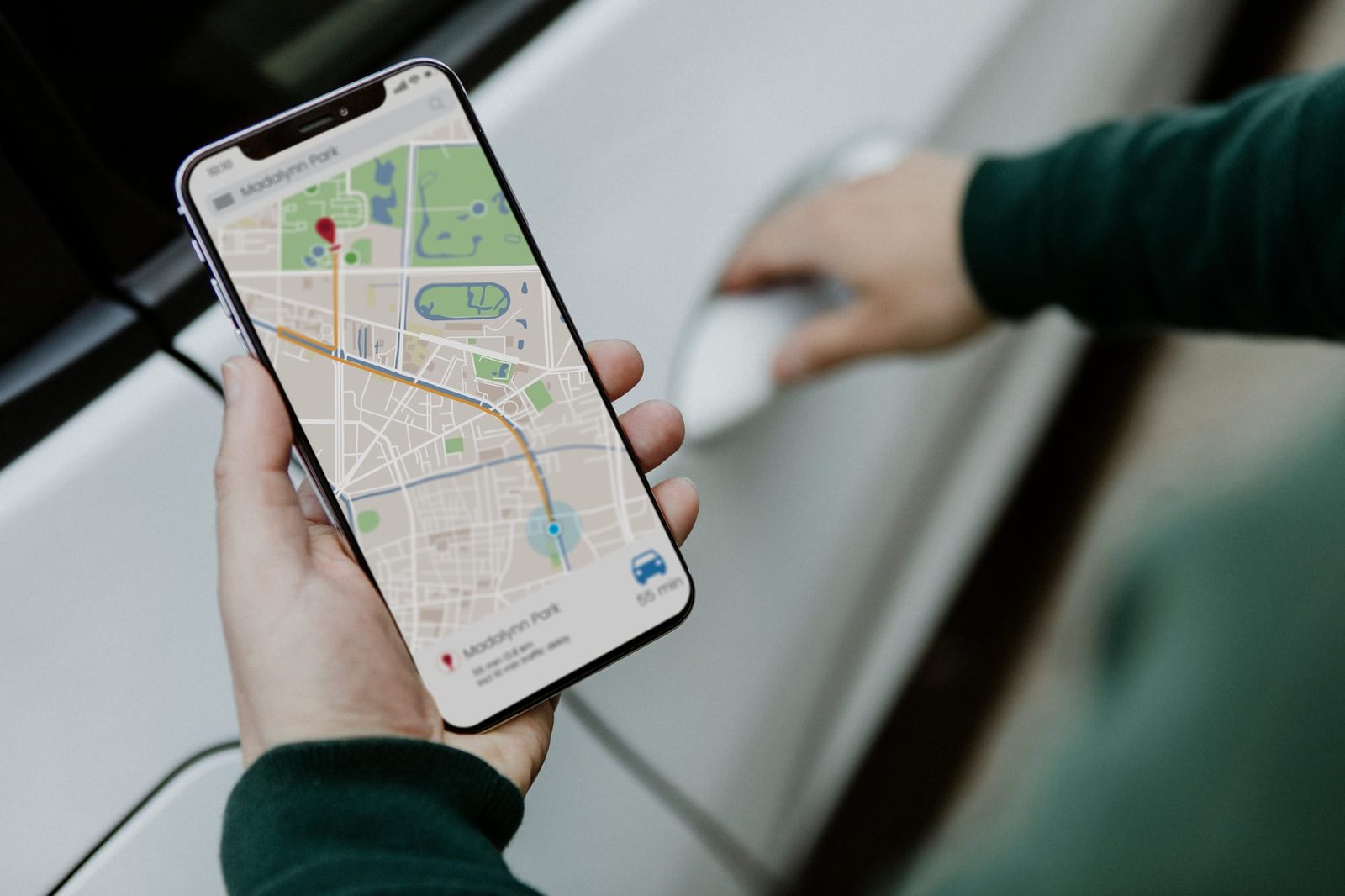
Why Google Maps is key for field services
For a technical team, arriving on time via the optimal route is non-negotiable. Google Maps provides real-time traffic, information about restricted areas and access times, but its true potential emerges when it is integrated with your scheduler. With enrutar.com, smart routes are combined with daily operations: multiple visits per job, flexible assignment and full traceability.
Practical tips that make a difference
- Use multiple stops to group nearby visits and reduce downtime. Adjust the order according to traffic and customers' time windows.
- Save precise coordinates when the address is unreliable (building sites, industrial estates or rural properties). One well-placed pin today avoids three calls tomorrow.
Enable internal alerts for restricted areas or controlled access points. Add access times, entry codes and ‘last-mile’ notes to the customer record (for example, ‘entrance on the side street, barrier on the left’). With enrutar, these notes travel with the job and appear in the technician's app, including those created by voice.
Combine scheduling and navigation to minimise detours
Plan in enrutar using proximity, workload and SLA criteria; export to Google Maps for turn-by-turn navigation; reoptimise on the fly if an appointment changes. Automatic routing prevents overlaps, and the mobile app enables the technician to change statuses, attach photos and record times without disrupting their workflow.
Metrics before and after optimisation
Define a clear ‘before and after’ when implementing smart routes:
- Detours per visit: extra kilometres compared with the optimal route.
- Travel time per technician/day.
- First-time fix rate.
- Time windows met and cancellations due to delays.
- Operating cost per order (fuel + time).
Companies that integrate Google Maps with enrutar report process optimisation and operating cost reductions of up to 30%. The key is to measure weekly and close the loop: if a technician reopens a job because of a poor location, correct the note and set the exact pin on the customer record.
Quick adoption tips
Start with a pilot team and limited routes; document shortcuts, parking and loading points; standardise labels in notes (e.g. ‘ACCESS:’, ‘PARKING:’, ‘COORDS:’). And when the schedule changes, reoptimise in a couple of clicks from enrutar.com. Your team will notice it within minutes, your P&L within weeks.