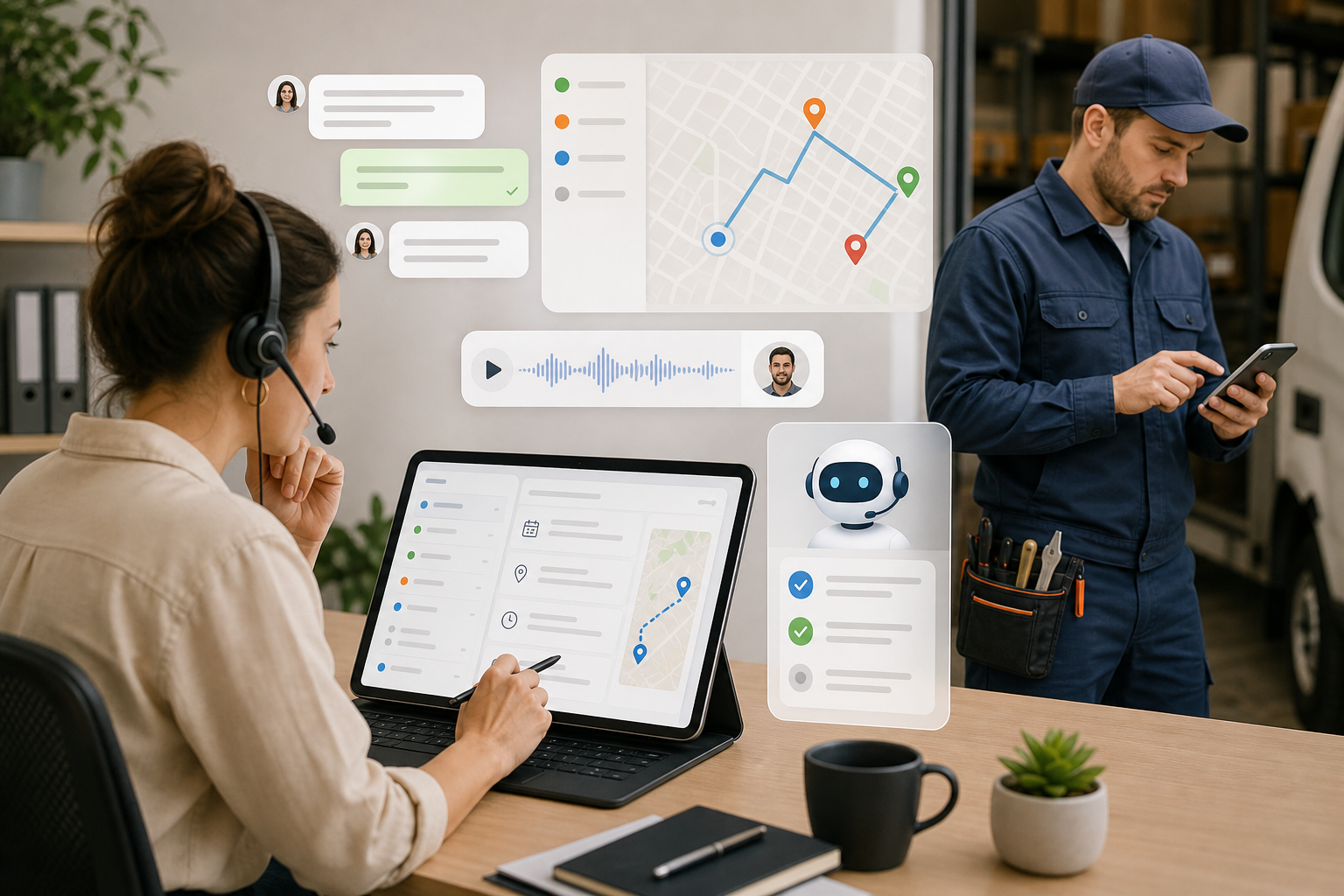
AI should not replace the way you work: it should bring order to the noise
In a technical services company, the problem is rarely a lack of information. The problem is that information arrives through too many channels: WhatsApp, telephone calls, emails, voice notes, customer photos, technician comments, paper job sheets and internal messages.
Artificial intelligence can help enormously, but only if it enters the process with a clear principle: AI proposes, summarises and classifies; the company decides. Using it well does not mean letting it “work its magic”, but turning it into a layer that reduces repetitive tasks and improves traceability.
Start with tasks where the cost of an oversight is high
Before considering extensive automation, you should identify the points where time or control is currently lost. In installation, maintenance, air-conditioning, electrical or plumbing companies, these cases tend to recur:
- Customer messages that arrive via WhatsApp and end up being forgotten.
- Long voice messages that nobody transcribes until a problem arises.
- Photos or videos that are not linked to the correct job.
- Incomplete job sheets at the end of the day.
- Reminders that depend on somebody remembering.
- Materials used in the field that are not properly reported to the office.
This is where AI delivers real value: not as a replacement for the coordinator or technician, but as an assistant that turns disorganised information into useful data.
1. Create jobs from WhatsApp or email, but with human validation
One of the most useful applications is turning incoming messages into jobs. A customer writes on WhatsApp, forwards an incident report or sends an email with photos. AI can read the content, suggest a title, extract the address, summarise the problem and create a draft job.
The key to retaining control is for the workflow to leave a clear audit trail:
- Where the original information came from.
- How the AI interpreted it.
- Which job or visit was created.
- Which user reviewed or confirmed the details.
At enrutar.com, Eva can help create jobs from WhatsApp or from the organisation's incoming email. If she detects a date, time or person responsible, she can also suggest a visit. But the team retains final validation, preventing an automated interpretation from becoming a poorly scheduled job.
2. Transcribe voice messages so that information does not disappear
In the field, audio is quick. The technician finishes a repair, records a voice note and moves on to the next visit. The problem comes later, when the office needs to know exactly what was said or when someone needs to find a detail weeks later.
Automatic transcription turns those voice messages into searchable information. This helps to:
- Find details without listening to entire voice messages.
- Review incidents from the office without interrupting the technician.
- Maintain a complete job history.
- Avoid misunderstandings between the field and administration teams.
The aim is not to force the technician to write more, but to allow them to work as they already do while the company gains organisation and traceability.
3. Summarise jobs without erasing important details
When a job accumulates comments, photos, messages and visits, understanding what has happened can take several minutes. An AI-generated summary can save time for the coordinator, the technician taking over or the person preparing the invoice.
However, a good summary should not replace the history. It should serve as a starting point:
- What the customer requested.
- What has been done so far.
- What remains outstanding.
- Which materials have been used or are missing.
- Which agreements or incidents should be reviewed.
This allows AI to speed up reading, while traceability remains in the comments, attachments, job sheets and status changes.
4. Extract materials and evidence from the actual work
Another practical use is turning field notes into administrative information. For example, a technician dictates the materials used, uploads before-and-after photos or attaches a video of the incident. AI can help classify, describe or extract some of that information.
This addresses one of the major gaps in many technical companies: jobs that are carried out well but documented poorly. If materials are not reported to the office, invoicing is late or incorrect. If photos are not linked to the job, defending an intervention in a dispute becomes more difficult.
The rule remains the same: automate capture, but retain review and traceability.
5. Automate reminders without overwhelming the team or the customer
AI can also help with internal reminders: “remind me tomorrow to call the customer”, “schedule a visit on Thursday” or “remind me to review this quote”. Instead of relying on memory, notebooks or stray messages, the reminder is linked to the job.
You should be more careful with customers. Automated WhatsApp messages are very useful for confirming visits, notifying customers of delays or sending job sheets, but they must follow clear rules:
- Send only useful messages.
- Avoid duplicates.
- Use consistent templates.
- Respect permitted times and consent.
- Allow the team to see what has been sent.
Automation should improve the customer experience, not turn communication into noise.
How to introduce AI without chaos: a simple roadmap
For a small or medium-sized company, it is best to start small and measure the results. A reasonable plan would be:
- Week 1: enable voice-message transcription and review how internal communication changes.
- Week 2: test creating jobs from WhatsApp or email with office validation.
- Week 3: use job summaries in cases involving several visits or an extensive history.
- Week 4: define rules: what AI can do, who validates it and which data must always be reviewed.
Then measure simple indicators:
- Fewer forgotten jobs.
- Fewer internal calls asking for context.
- More complete job sheets at close-out.
- Less time between the customer's notification and the job being created.
- Fewer incidents caused by incomplete information.
Human judgement remains the competitive advantage
AI can read, summarise, suggest and organise. But it does not know the customer as your team does, it does not decide commercial priorities and it does not replace the experience of a technician in the field.
The best way to use AI in technical services is therefore to keep it within a clear operating system: jobs, customers, visits, statuses, comments, documents and job sheets. When everything is connected, AI does not create chaos; it helps the right information reach the right person at the right time.
At enrutar.com, Eva is designed precisely for that: to remove friction from daily work without taking control away from the team. Because digitalisation is not about working blindly with automation, but about working with more context, fewer oversights and better decisions.