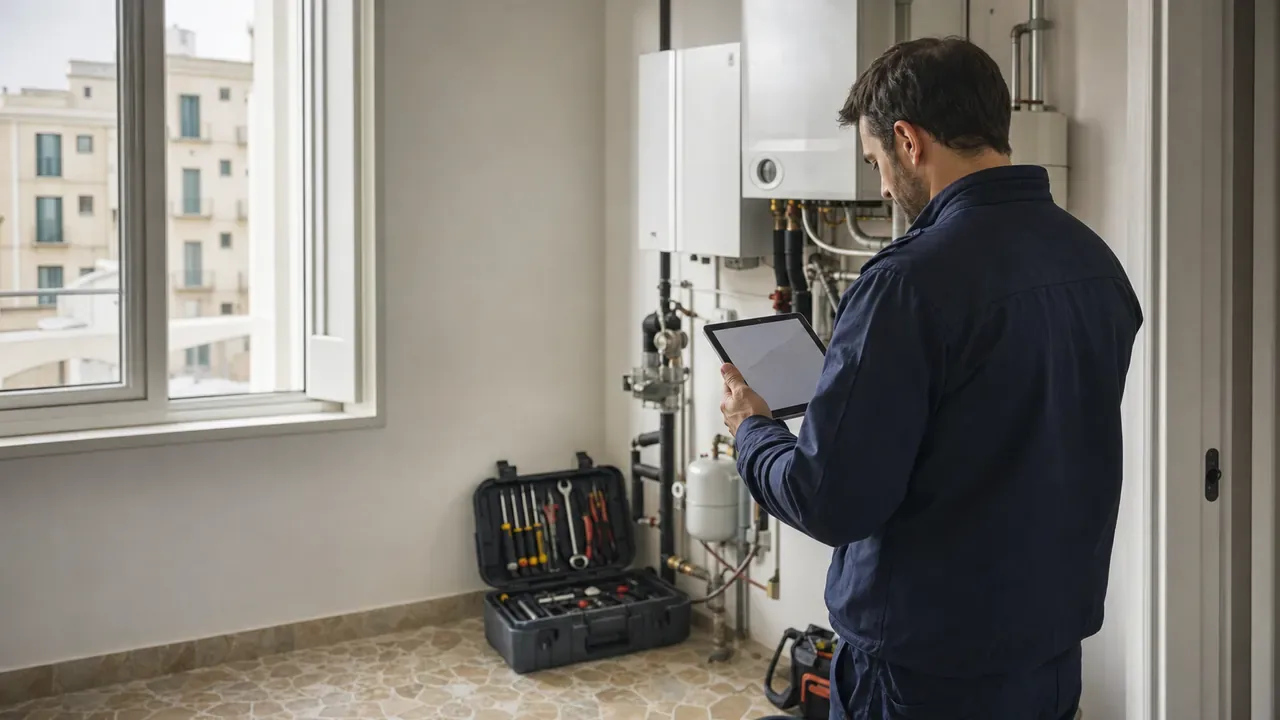
A job sheet should not be limited to stating that the technician ‘was there’. Done properly, it explains what was found, what was done, which materials were used and the condition in which the installation was left. It also connects fieldwork with the office: it enables staff to review the job, prepare the invoice and respond to the customer without reconstructing what happened through calls and messages.
Whether you use a printed sheet or a digital job sheet, the quality of the document depends on the information it records and how it is written. This is a practical model for producing complete, clear job sheets that are easy to review.
What a job sheet is and what it is for
A job sheet is the record of a job carried out on a particular date, at a particular location and for a particular customer. It may relate to a repair, an installation, a preventive inspection or a diagnostic visit, among other services.
Its main purpose is to provide a shared operational account for the technician, the office and the customer. It serves as evidence of the tasks completed, records time and materials, documents outstanding issues and captures approval where appropriate. It also gives the administrative team the basis it needs to compare the completed work with the quotation or contract before invoicing.
It does not replace an invoice, quotation or contract. Each document has a different purpose. The job sheet describes what actually happened during the job, so it must also reflect anything that could not be resolved or requires another visit.
Essential information in a good job sheet template
A useful job sheet template should request enough information without turning the end of the visit into an endless form. As a minimum, it should include:
- Document identification: job sheet number, date and link to the corresponding job, call-out or visit.
- Company, customer and location: basic details of the service provider, the customer or contact person, and the exact address of the job.
- Technician and time: responsible technician or team, start and finish times or time allocated.
- Reason for the visit: reported issue, planned maintenance or requested scope.
- Diagnosis and work completed: checks, cause identified where known, actions taken and result.
- Resources used: materials, spare parts, quantities, equipment or relevant resources.
- Completion: tests performed, final status, outstanding tasks, notes, evidence and the customer's signature or confirmation where appropriate.
The fields may vary depending on the trade. An air-conditioning company may need to record operating parameters; an electrical service may need to record the circuits and protective devices inspected; and machinery maintenance may require the serial number and equipment readings. The template must adapt to the actual work, not the other way round.
Separating the diagnosis from the solution
One of the most common mistakes is to mix the observed problem with the action taken. Phrases such as ‘checked and fixed’ provide hardly any information. A complete job sheet makes it possible to understand the process from the initial report to the result.
In the diagnosis, describe the symptoms verified and the checks carried out. Distinguish facts from hypotheses: ‘no power supply detected at the outdoor unit’ is more precise than stating a cause that has not yet been confirmed. If it has not been possible to complete the diagnosis, say so and explain which check remains outstanding.
In the solution, detail the actions taken: part replaced, connection repaired, adjustment made, cleaning, configuration or functional test. End with a specific description of the final status. For example: ‘equipment operating after three test cycles’ or ‘installation isolated and awaiting delivery of the spare part’. Avoid stating that everything has been resolved if a known limitation remains.
This separation makes it easier for someone else to continue the work and helps the office determine whether it can complete, reschedule or invoice the job. A consistent status workflow reinforces this coordination; you can explore this idea further in The importance of statuses and processes in fieldwork.
Photos, signatures and notes: context, not decoration
Photos are most useful when they answer a question: what condition was the equipment in beforehand? Where was the damage? Which part was changed? What was the final result? Include wide shots to provide context for the job and clear close-ups where necessary. Avoid repeated, blurred or irrelevant images, and limit the capture of personal information or private spaces to what is strictly necessary.
A signature may record the customer's receipt or approval in accordance with the process defined by the company, but it does not correct ambiguous text. Before requesting it, show or summarise what is recorded on the job sheet, particularly if there is outstanding work, exclusions or recommendations. If the customer is not present or does not sign, record this circumstance and follow the procedure agreed by your company.
Notes should be reserved for information that affects follow-up: access to the site, identified risks, recommendations explained, outstanding materials or the reason for a second visit. To learn more about gathering evidence, see Photos, videos and signatures in the field: evidence that prevents disputes.
Example of a well-written job sheet
Imagine a visit concerning an air-conditioning unit that is not cooling. An unhelpful job sheet would say: ‘Air conditioner checked and left working’. The following example provides a much more useful record:
Reason for the visit: the customer reports that the indoor unit blows air but does not cool.
Diagnosis: the power supply, controls and filters are checked. The filters have a build-up of dirt and the outdoor unit does not start. A loose connection is detected at the outdoor unit's power terminal. No visible damage to the wiring is observed.
Work completed: the power supply is disconnected, the connection is secured, the filters are cleaned and the equipment is returned to service. Three operating cycles are completed in cooling mode without the fault recurring.
Materials: insulated terminal, 1 unit.
Status and notes: equipment operational at the end of the visit. It is recommended that the condition of the filters be checked during the next maintenance service. Photographs of the connection before and after the work are attached.
The example identifies the reported issue, checks, action, material and result without adding conclusions that have not been verified. The wording can be brief, but it must allow someone who was not present at the visit to understand what happened.
Mistakes that delay invoicing or cause disagreements
Problems often arise from small gaps in information. These are the most common:
- Generic descriptions. ‘Work completed’ or ‘everything OK’ force the office to ask the technician for clarification.
- Time or materials not recorded. The office cannot verify the cost or correctly prepare the invoice details.
- Failure to record outstanding work. The customer may interpret the service as complete while the equipment is awaiting a part or a second visit.
- Contradictions between fields. A job sheet marked as completed should not describe a fault that is still active without explaining the next step.
- Photos without context. An isolated image does not clarify whether it shows the before, the after or a different piece of equipment.
- Signature on incomplete content. Obtaining it before finishing the description may leave out important notes.
- Late submission of the job sheet. If the technician writes it hours or days later, the risk of forgetting details increases and invoicing is left waiting.
A quick review before completion prevents many of these issues: correct customer and location, understandable description, complete time and materials, consistent final status and evidence linked to the job.
How to move from paper to a digital job sheet
Digitising does not mean copying the paper form field by field. First, identify what information the office needs to complete a job and which details already exist in the system. If the customer, address, job and technician are already recorded, there is no point entering them again.
Start with a simple template for one or two types of service. Make fields mandatory only when they are genuinely necessary, use task lists for repeated checks and leave space to describe exceptions. Then test the workflow with several technicians and review which fields are omitted, which cause confusion and which are not used.
The change works best when the job sheet is completed at the job location and on the same device the technician uses to view the visit. This enables them to add time, materials, photos and notes while the context is still fresh. If you are considering this change, Digitisation in the technical services sector: why and how to get started provides a broader guide.
With enrutar, the job sheet can bring together the job details, verified tasks, materials, time records, images and customer signature in a single workflow. Job sheets awaiting signature can remain editable until completed, while signed sheets remain linked to the job history. If you want to assess how a digital job sheet fits into your operations, you can view enrutar and request a demonstration.
A good job sheet truly completes the job
The job is not over when the tools are put away. It is over when the result has been explained in a way that the customer, the office and any technician who returns later can understand. A complete job sheet does not need to be long: it needs to identify the job, separate diagnosis and solution, record resources and time, show the final status and make outstanding actions clear.
A short template, a shared writing standard and capturing data at the time turn the job sheet into a tool for continuity, not an administrative burden. That is the starting point for completing visits sooner and reducing the requests for clarification that hold up invoicing.