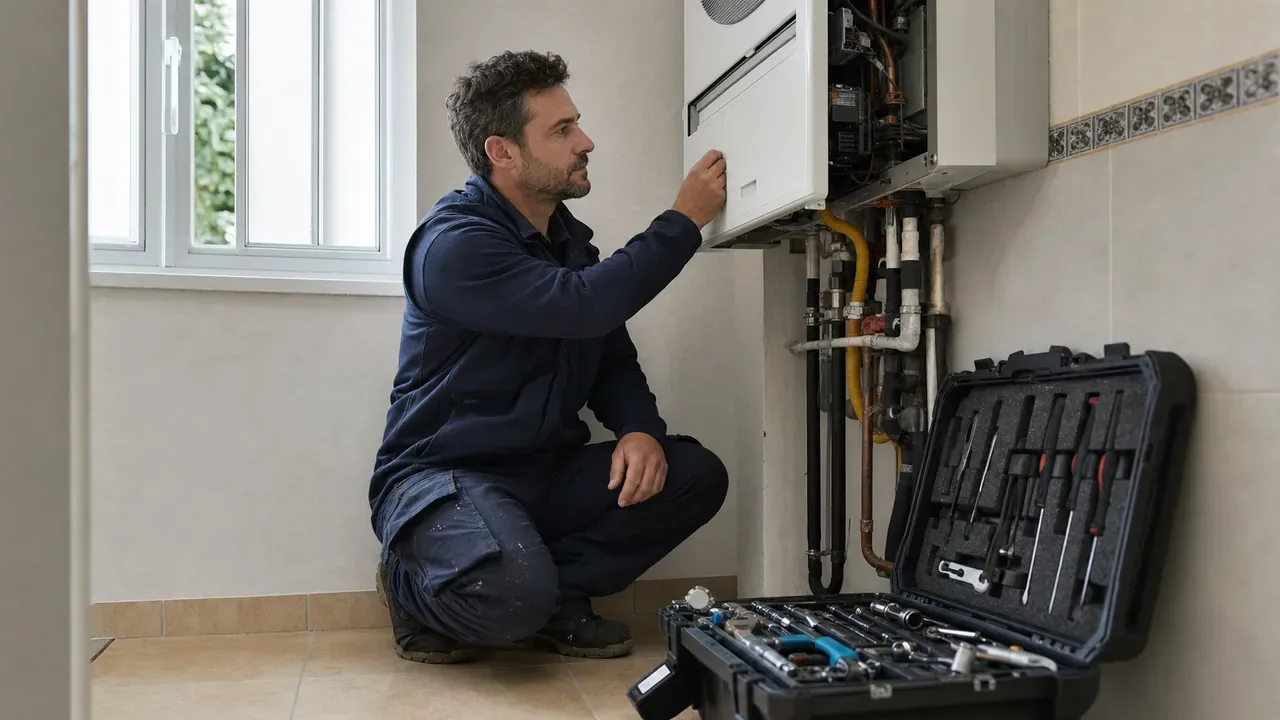
Resolving an issue on the first visit does not mean working hastily or closing jobs too soon. It means that the technician arrives with the context, training and resources needed to solve the problem safely, document the outcome and leave the equipment operational without a second corrective visit.
This metric is known as the first-time fix rate, first time fix or FTF. To calculate it, divide the number of jobs resolved on the first visit by the total number of jobs that could have been resolved in a single visit during the same period. It is best to exclude jobs which, by their very nature, require several stages: a complex installation, an inspection followed by a quotation or work that is waiting for a custom-made part.
The definition must be consistent and shared by office and field staff. If each person interprets ‘resolved’ differently, the metric loses its value. A valid closure should mean that the cause has been corrected, the required checks have been carried out and there is enough documentation to understand what was done.
Why first-time fix rates protect your margin
A second visit does not just add mileage. It also means finding another slot in the diary, coordinating with the customer again, preparing materials, repeating part of the diagnosis and taking on more administrative work. While that technician returns to a job that has already been attended, they are unable to complete another job that could be billed.
The impact on margin depends on the contract. For a fixed-price service or work covered by warranty, the cost of the repeat visit usually falls directly on the business. For hourly work, it may be possible to bill for some of it, but the customer experiences a slower and less predictable service. In addition, second visits introduce route changes and urgent jobs that affect the rest of the day.
That is why FTF should not be pursued in isolation. Forcing a job to be closed can conceal faults, lead to complaints or compromise safety. The aim is to increase the number of jobs correctly resolved on the first visit while maintaining quality and leaving an audit trail.
Common reasons for a second visit
Repeat journeys tend to be concentrated around a small number of operational problems:
- The request is incomplete. The equipment model, a photograph, the error code, the type of access or a clear description of when the fault occurs is missing.
- The wrong technician is assigned. The technician knows the trade but not that particular technology, brand, installation or level of complexity.
- The correct part is not available. The spare part was not identified, was not reserved or was left in the warehouse.
- The history is scattered. Nobody can see that the fault has occurred before, that a component was replaced or that there is a known limitation in the installation.
- The diagnosis is incomplete. Diary pressure leads to the symptom being treated without checking the cause or carrying out a final test.
- There is an external blocker. The customer does not provide access, the equipment must be stopped at a different time or authorisation is required. Although this is not always a technical failure, it must be classified so that it is not confused with rework.
Labelling the real cause of each repeat visit is more useful than attributing it generally to ‘lack of time’ or ‘materials’. Improvement begins when you can distinguish between insufficient information, assignment, spare parts, execution and customer constraints.
Improve job intake before scheduling
A successful first visit begins with the first call, email or message. The person receiving the request does not need to diagnose the fault, but they do need to gather information that will help prepare for the visit.
Define a short script for each type of service. At a minimum, it should identify the equipment or installation, the exact location, the symptom, when it occurs, whether there is an error code, what actions have been tried and whether the fault prevents use. It is also worth asking about access restrictions, working hours, permits and a contact person who will be present during the visit.
Photographs and videos sent by the customer provide context, but they should be requested with specific instructions: an overall image of the installation, another of the data plate or reference and a close-up of the problem, without opening equipment or taking any risks. If you want to organise this information-gathering process, see the article on WhatsApp Business for technical services.
Before confirming the appointment, check whether the information allows you to answer three questions: what might be happening, what expertise is needed and what parts or tools might be required. If any answer is too uncertain, a short technical call can prevent a wasted journey.
Turn customer and equipment history into useful context
History is no use if the technician has to piece it together from emails, chats and paper job sheets. The work order should bring together previous visits, diagnoses, materials used, photographs, comments and relevant changes. This makes it possible to identify a recurring fault, a temporary repair or a component that has already been replaced.
Before setting off, the technician needs an actionable summary, not an endless folder. Highlight the latest diagnosis, similar jobs, the age or reference of the equipment and any access or safety warnings. On completion, they should record what they found, what they checked, what materials they used and the condition in which they left the installation. This discipline turns every visit into information for the next one.
Consistent visual documentation also helps compare the condition before and after the work. In Photos, videos and signatures in the field: evidence that prevents disputes, we explain how to capture useful evidence without filling the job record with irrelevant files.
Assign the right technician, not just the nearest one
Proximity reduces travel, but it does not make up for an incorrect assignment. To decide who should attend the job, combine availability and area with technical skills, experience with that type of equipment, required certifications and the actual workload for the day.
Maintain a simple skills matrix by service family. There is no need to score every last detail: it is enough to distinguish who can work independently, who needs support and who is still in training. For uncommon issues, assign a specialist or arrange a consultation channel with a senior technician before sending someone without the necessary context.
The expected duration also matters. Fitting a complex fault into too short a slot encourages incomplete diagnoses. Allow time to check the outcome and document the closure, particularly for equipment with intermittent faults.
Prepare parts, consumables and tools
A materials list should address the likely diagnosis and its reasonable alternatives. Prepare the main part, the consumables required to install it and, where appropriate, commonly used compatible variants. The aim is not to turn every van into a warehouse, but to increase the availability of the items that actually resolve jobs.
Kits for each type of job make this preparation easier: air-conditioning maintenance, pump replacement, roller shutter repair or distribution board inspection. Review them using consumption data and remove items that are hardly ever used. For more detail, read How to organise your work van so you do not waste time looking for things and Field inventory management: avoiding shortages and excess stock.
Before starting the route, confirm that the reserved materials have physically been prepared and that the technician has the specific tools required. A box ticked in the office is no substitute for this check.
Use mobile checklists without turning them into bureaucracy
An effective checklist safeguards the steps that are often forgotten. It should be short, specific to the type of job and available on a mobile during the visit. It might include safety confirmation, diagnostic measurements, the work carried out, the functional test and closure evidence.
Avoid generic lists with dozens of items that are ticked automatically. If a task does not help diagnose, carry out, verify or document the work, it probably should not be mandatory. Review the templates when equipment changes or when rework analysis reveals a missing check.
In enrutar, task lists are associated with a specific visit; the technician can complete them in the mobile app and their status is shown on the job sheet. Materials lists can also be linked to the job or visit so that the operative can check what they need to take. This connects office preparation with field execution without relying on scattered messages.
Analyse reopened jobs without looking for someone to blame
Every reopened job contains an opportunity to improve. Review it promptly, while the context is still fresh, and record a primary cause. Separate at least the following categories: diagnosis, execution, materials, assignment, initial information, access or customer decision, and planned visit.
Then look for patterns by service type, equipment, symptom and cause, not just by technician. If several people repeat the same visit because a spare part is missing, the problem may lie in preparation. If a fault reappears after the same incomplete test, a checklist step or specific training may be missing.
Combine FTF with two controls: the rate of jobs reopened within your defined period and the quality of closure. It is also useful to track the reason for the second visit and the time taken to resolve the issue. You do not need a complex dashboard to get started; you need comparable data and a regular review that ends with a concrete action.
A practical four-week improvement plan
Week 1: define and measure
Agree what ‘resolved on the first visit’ means, which jobs are excluded and how long after closure a job may be considered reopened. Review a recent sample and classify second visits by cause. The result should be a reliable baseline, even if it is not perfect.
Week 2: strengthen preparation
Introduce an intake script for the two or three services with the most repeat visits. Make only the information that affects assignment or materials mandatory. Add a prior review of history, access and spare parts before confirming the visit.
Week 3: adjust assignment and execution
Update the skills matrix and create kits for the most frequent jobs. Prepare a short mobile checklist covering diagnosis, safety, final testing and documentation. Test the workflow with a small group and gather details of the friction they encounter at the end of each day.
Week 4: review and standardise
Compare the pilot jobs with the baseline, reviewing the causes rather than just the overall percentage. Keep the changes that have eliminated errors, simplify anything that adds bureaucracy and assign an owner to each outstanding improvement. From then on, maintain a monthly review of reopened jobs.
Fewer return journeys, more useful capacity
Reducing second visits does not depend on demanding that the technician work faster. It depends on providing better information, choosing the right person, preparing materials and turning each closure into reusable knowledge. When intake, scheduling and field teams share the same context, resolving a job on the first visit ceases to be a matter of luck.
If you want to centralise jobs, visits, owners, task lists, materials and history to prepare each job more effectively, discover how enrutar could fit into your operations.